

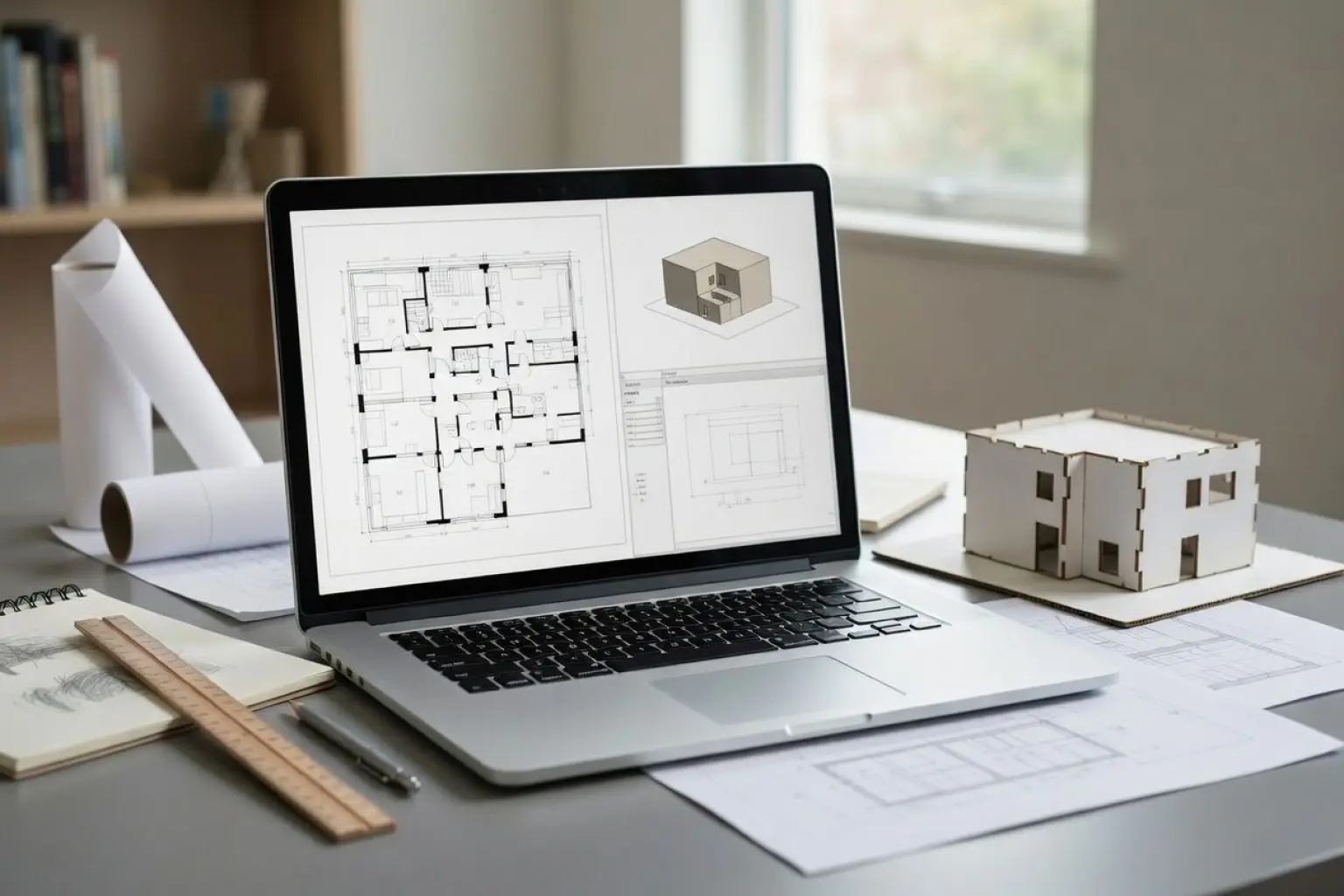
Starting university soon and wondering what laptop setup you need for all your architecture work? This simple guide will help you understand what to look for and give some good example laptops to choose from.
The basics
When in architecture school you’ll be using your laptop to write essays like other students. However, you’ll have the extra demand of creating your portfolio which will require high-demand software for 3D rendering and large format images.
The specifications to look out for are:
CPU- The brain
The CPU is like the brain of the computer. It does all the thinking required to run your programs. A bigger brain, means a faster and smoother experience. This is especially important when doing 3D modelling and rendering as they require lots of complicated calculations to be done in the background.
CPU Cores- The interns
You might see CPU cores on descriptions. These are like the brain’s interns, one can be grabbing coffees, the other doing some photocopying. The more cores a CPU has the better it usually is as it can split tasks efficiently.
SSD/HDD Storage- The filing cabinets
This is where all your files live (projects, drawings, software). More storage means more stuff can be saved.
There are two types of storage available, SSD (Solid State Drive) and HDD (Hard Disk Drive). SSD is faster at opening files and less likely to break but more expensive. While HDD is slower, it’s better for long term archiving. This is why many people recommend SSD storage in your laptop and external HDD hard drives as backups. Alternatively, many people utilise an SSD for their operating system and applications, paired with a large HDD for storing files, photos, and media.
RAM- The desk space
This is what your laptop uses to keep things open and running, it’s the computer’s short term memory as it only stores stuff while you’re using it. Simple terms it’s your desk space. Bigger desk means you can work on more things at once. For example if you’re the type that likes having Photoshop, Rhino and 50 Chrome tabs open at the same time then a large amount of ram would be good for you.
GPU (Graphics Card)- The art supplies
The GPU is what actually creates the images on your screen, especially 3D work. It’s crucial for 3D modelling and rendering. While some laptops have integrated GPU they are often sub-par for architecture work. You should be looking for dedicated graphic card as they are much stronger.
Display- The canvas
The display is your laptop screen. While the size is important, so is the resolution (its sharpness) and colour quality (how accurate it is). They’re nothing worse than a dim blurry screen that throws your colour scheme off.
Battery- The work hours
A bigger battery means you can work longer without a charger. Realistically this isn’t that important as most people work while plugged in, but it can be a nice extra to have.
Ports- The delivery guy
Your ports are what you use to send and receive stuff. It’s useful to have a couple USB ports for connecting your mouse and memory sticks, a HDMI to connect to TV screens, SD card reader for your photography, and maybe a USB-c for future proofing.
Quick Translation
- CPU: handles calculations (models, files)
- CPU cores: efficiency of calculations
- Storage: Holds your large project files
- RAM: lets you run multiple design apps smoothly
- GPU: makes 3D work fast and usable
- Display: affects how accurately you see your designs
Choosing a laptop for architecture work isn’t about one spec, you need to find a balance within your budget. A powerful CPU with low RAM or no GPU can still feel slow, finding one that’s a good all-rounder will serve you best.
Minimum Specs
These will run your software, but expect slower performance with large projects. 16GB RAM is considered the baseline for architecture tasks and a dedicated GPU is important even at entry level for 3D work.
- CPU: Intel i7 / AMD Ryzen 7
- RAM: 16GB
- Storage: 512GB – 1TB SSD
- GPU: Entry-level dedicated GPU (e.g. RTX 3050/4050)
- Display: Full HD (1920×1080), 15” screen
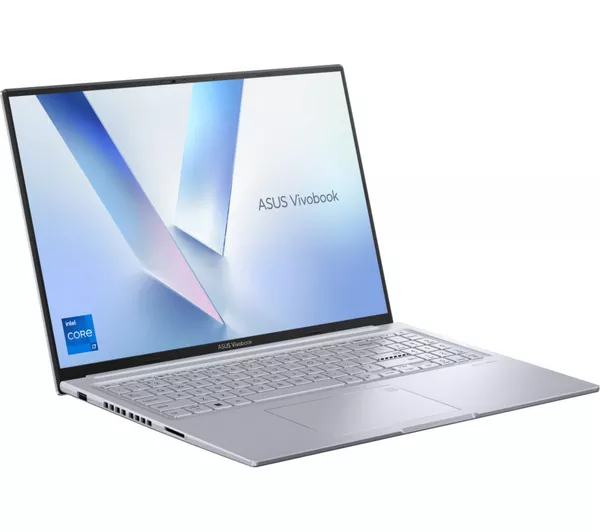
A good example of this would be an entry level gaming laptop. Such as:

ASUS Vivobook 16X for £899.00 at Currys
Victus 15-fb3007na Gaming Laptop for £849.00 at John Lewis
Recommended Specs
This is what most architecture students should aim for if budget allows. 32GB RAM is the “sweet spot” for multitasking and rendering
1TB storage is recommended because architecture files get very large but less is ok especially if you have external storage.
Strong GPUs (like RTX series) are essential for rendering and real-time visuals
- CPU: Intel i7/i9 or Ryzen 7/9 (newer generation)
- RAM: 32GB (or more)
- Storage: 1TB SSD (minimum)
- GPU: NVIDIA RTX 4060 / 4070 or better
- Display: 15–16” with high resolution (QHD or better)
Examples include:

Alienware 16 Aurora Gaming Laptop for £1,579.00 at Dell
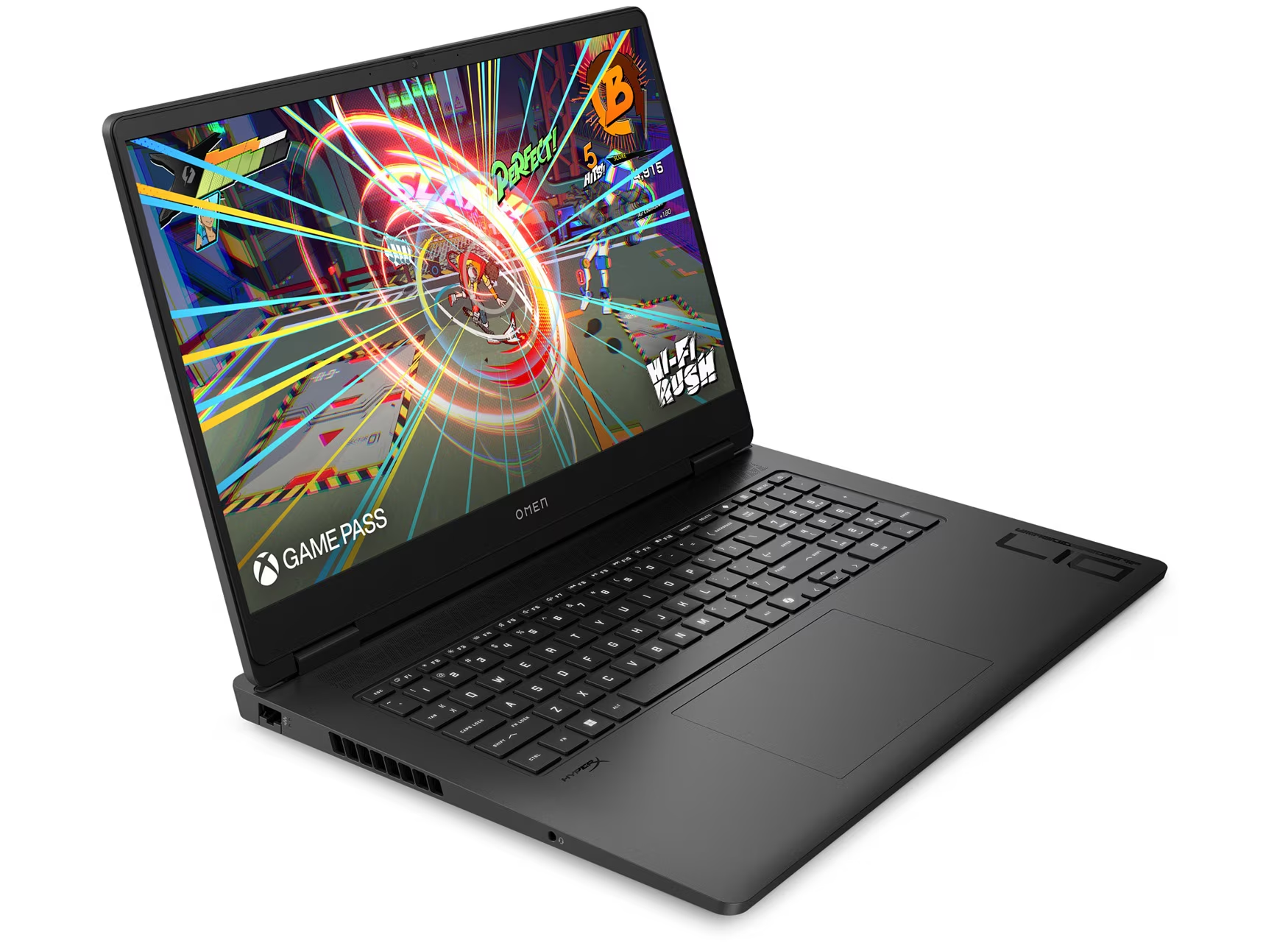
OMEN 17″ Gaming Laptop for £1,699.00 at HP
High-End / Professional Level
For advanced students doing heavy rendering, large BIM projects, or long-term use:
- RAM: 64GB
- GPU: RTX 4070 / 4080+
- Extra: High VRAM (12–16GB)
Examples include:
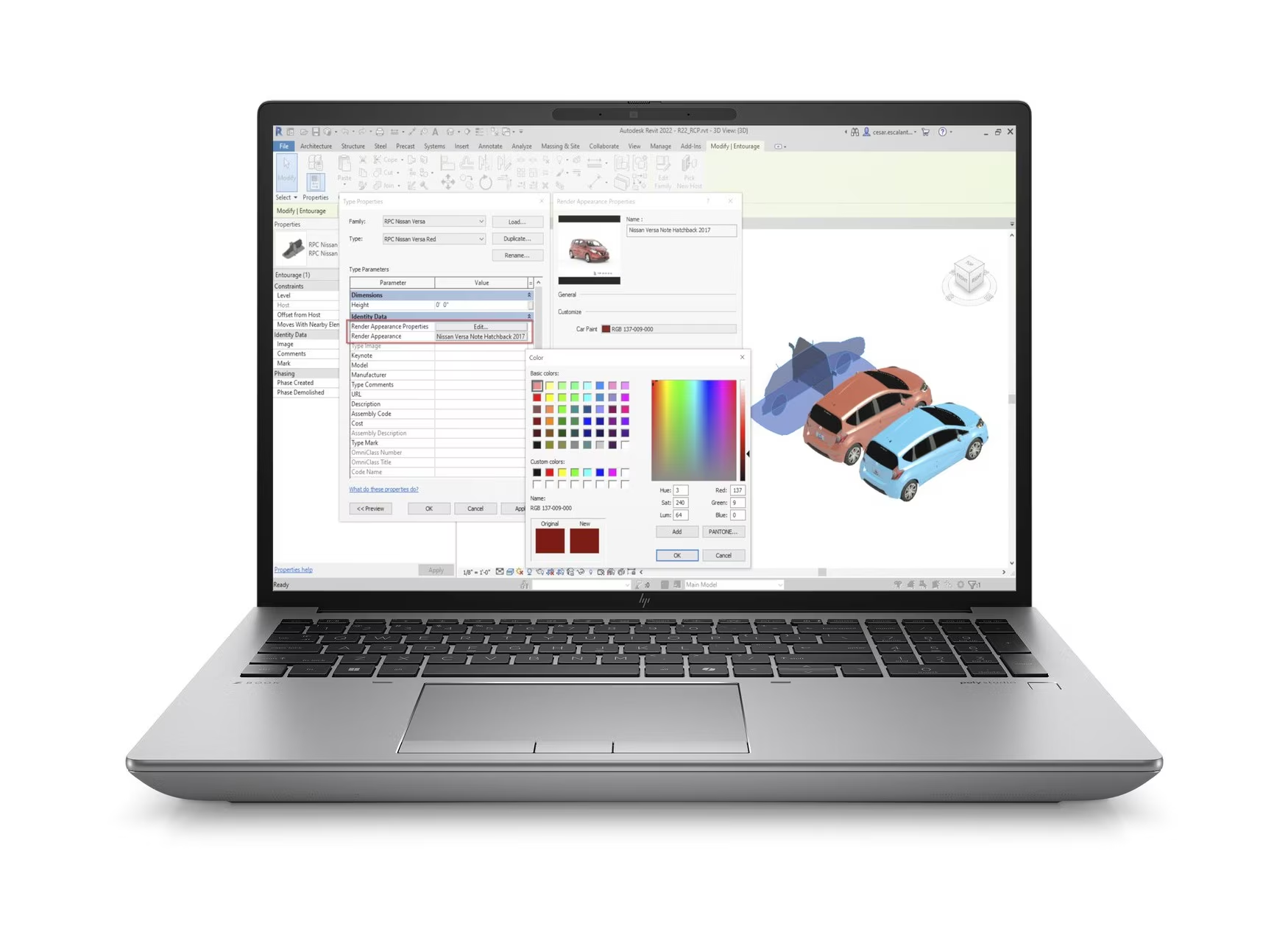
HP ZBook Fury G11 16” for £6,395.99 at HP
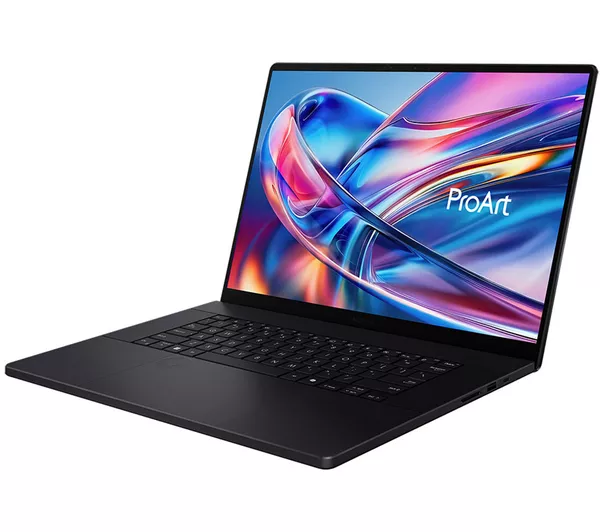
ASUS ProArt P16 for £4,599.00 at Currys
My personal choice
I have the Dell G16 7630 with these specs:
- CPU: Intel i9-13900HX 13th Gen
- RAM: 32GB
- Storage: 954GB
- GPU: NVIDIA RTX 4070
- Display: 16” 2560 X 1600 240.02 Hz
It has worked perfectly for everything I’ve had to do (which is a lot). Another top tip is looking for student deals directly on the laptop sites as you can get at least 25% off.
In architecture you’re never just running one program, you’ll often have multiple heavy apps open at once (CAD, rendering software, Photoshop). By investing in higher specs now you can save yourself years of frustration later, learn from my mistakes!!!
Good luck on your architecture journey!
If you have any questions let me know down below and I’ll get back to you 🙂
or have a peruse of my other student guides here