

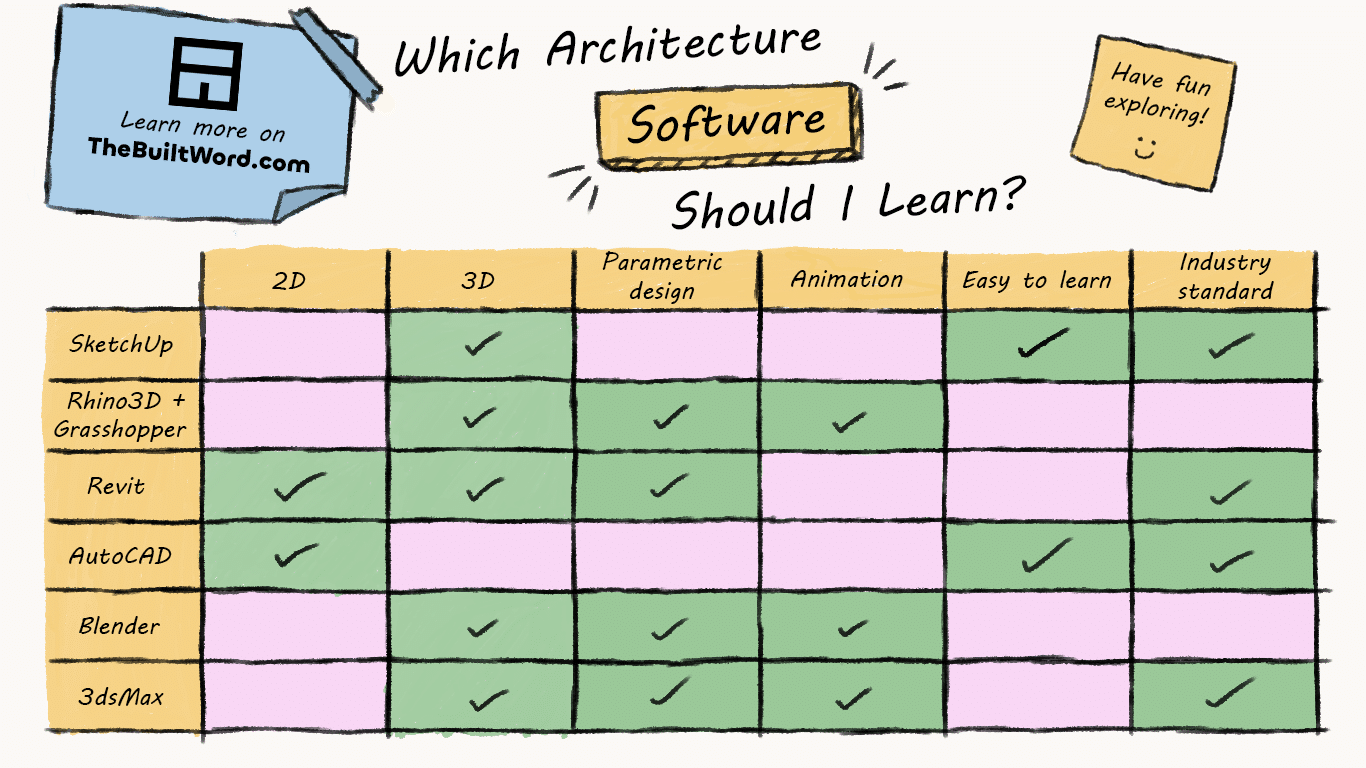
As an architecture student there’s a big choice you have make: which software do you want to learn. This guide will run through the major software, their pros, cons, and where mastering each one will lead you.
AutoCAD
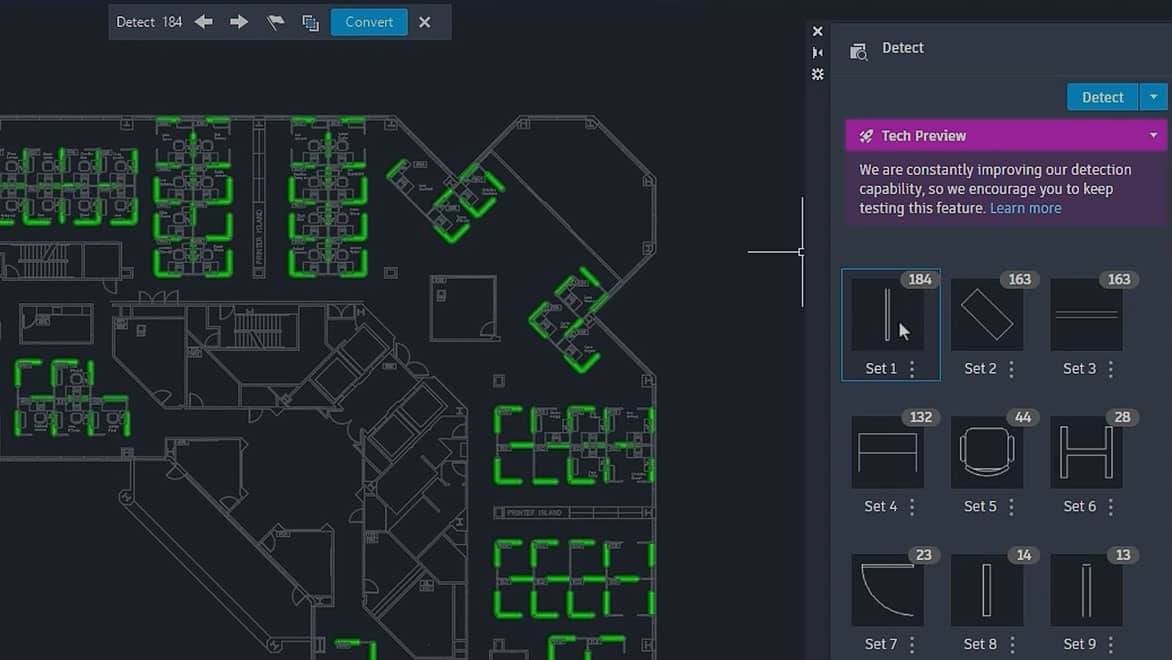
AutoCAD has been an industry standard for decades and remains one of the most widely used drawing programs in construction. While many larger practices are moving towards BIM software such as Revit, AutoCAD is still heavily used for producing and editing technical drawings. It’s often the first CAD software architecture students learn thanks to its straightforward tools and gentle learning curve. Additionally, if you’re a student at a registered university can download it for free from their website.
Pros of AutoCAD
- Easy to learn the basics
- Industry-standard 2D drafting software
- Used across architecture, engineering, and construction
- Large library of tutorials and resources
- Excellent for producing technical drawings
Cons of AutoCAD
- Limited to 2D workflows
- Little integration between drawings
- Less efficient than BIM software for large projects
- Being replaced by Revit in many larger practices
SketchUp
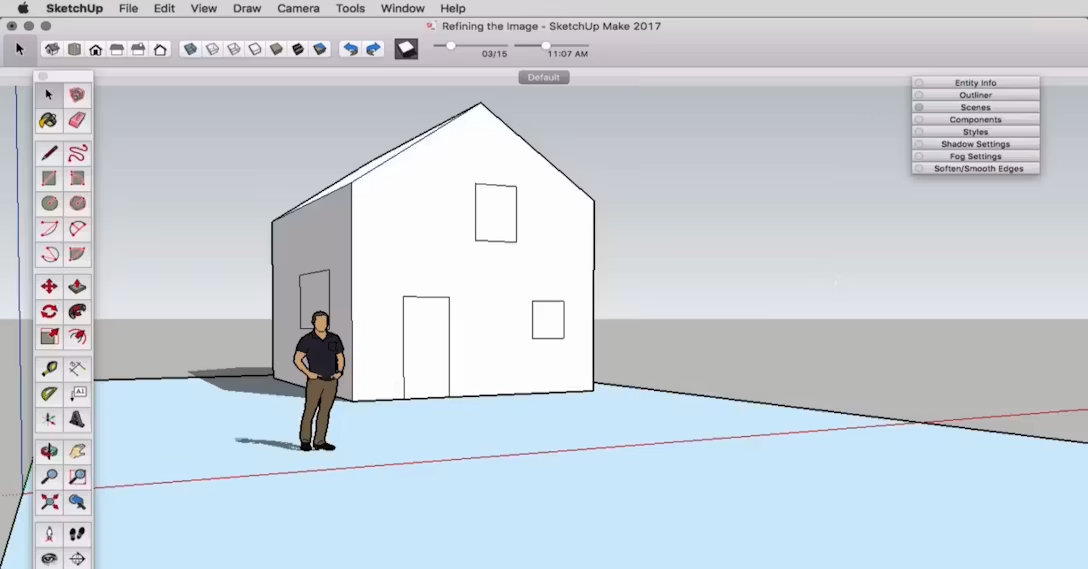
SketchUp is one of the easiest 3D modelling programs to learn, making it a favourite among architecture students and designers. It allows you to quickly turn ideas into models, making it perfect for concept development, massing studies, and early-stage design exploration. While it’s excellent for fast modelling, it becomes less practical as projects require greater detail and technical coordination. There is currently a free web version on their website with limited features or a paid pro student version for $55 a year.
Pros of SketchUp
- Very easy to learn
- Fast for concept design and massing studies
- Great for quickly testing ideas
- Large user community and plugin ecosystem
- Works well alongside other software
Cons of SketchUp
- Limited for detailed design and documentation
- Can encourage oversimplified forms and modelling techniques
- Not suitable for producing construction drawings on its own
- Large projects can become difficult to manage
Revit
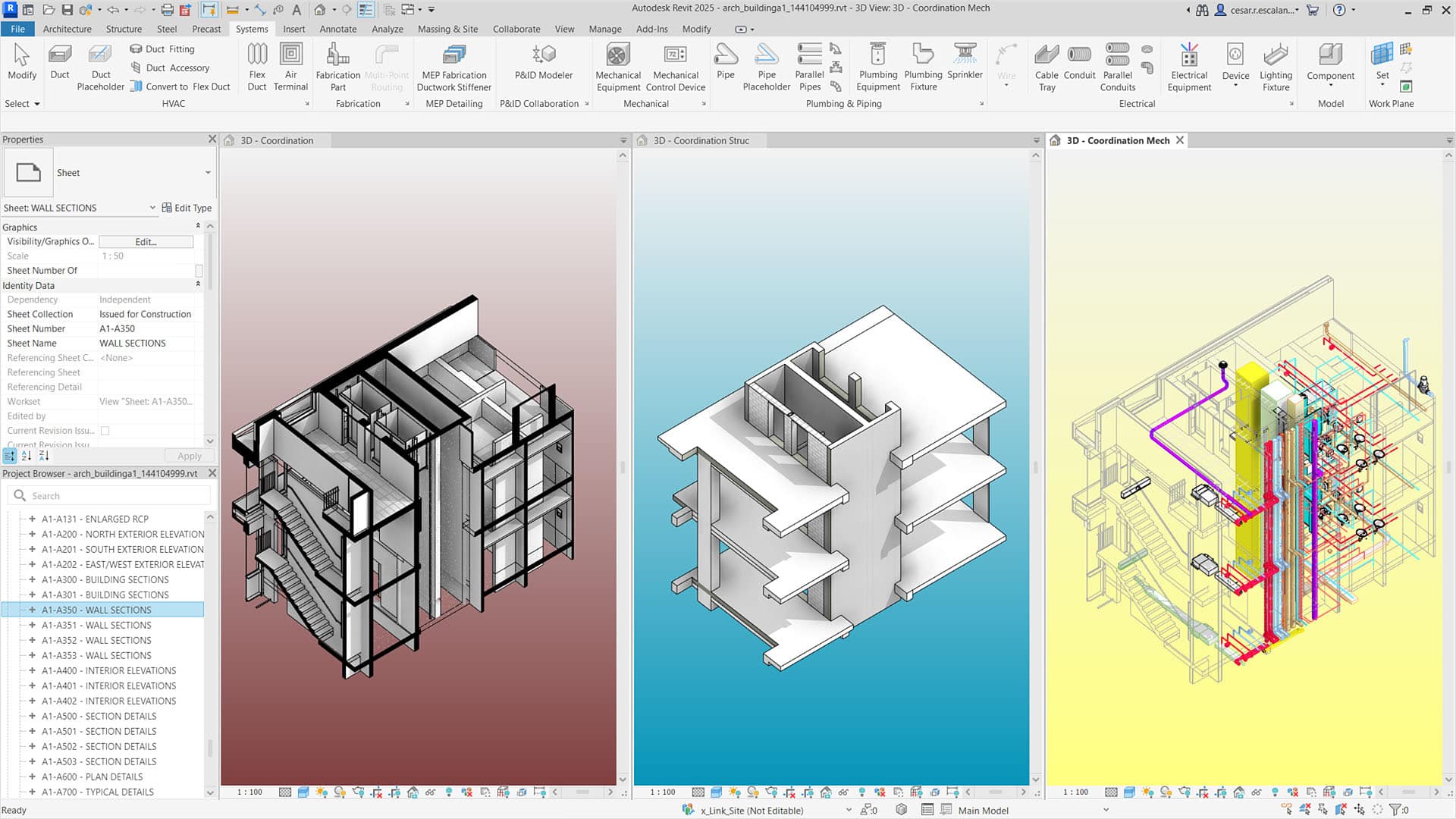
Revit has become the industry standard for medium and large architecture practices. Unlike traditional CAD software, it combines 2D drawings and 3D models into a single coordinated system, meaning changes made in one view automatically update throughout the project. Although it can be challenging to learn, Revit is one of the most valuable skills for students looking to work in professional practice. As with AutoCAD, if you’re a student at a registered university can download it for free from their website.
Pros of Revit
- Industry standard in many medium and large practices
- Integrates 2D drawings and 3D models
- Changes automatically update throughout the project
- Excellent for technical detailing and documentation
- Strong collaboration tools
- BIM workflow improves project coordination
- Valuable skill for employment
Cons of Revit
- Steep learning curve
- Can feel restrictive during early design stages
- Less suited to highly complex or organic forms
- Requires a powerful computer
- Large project files can become slow
Rhino3D + Grasshopper
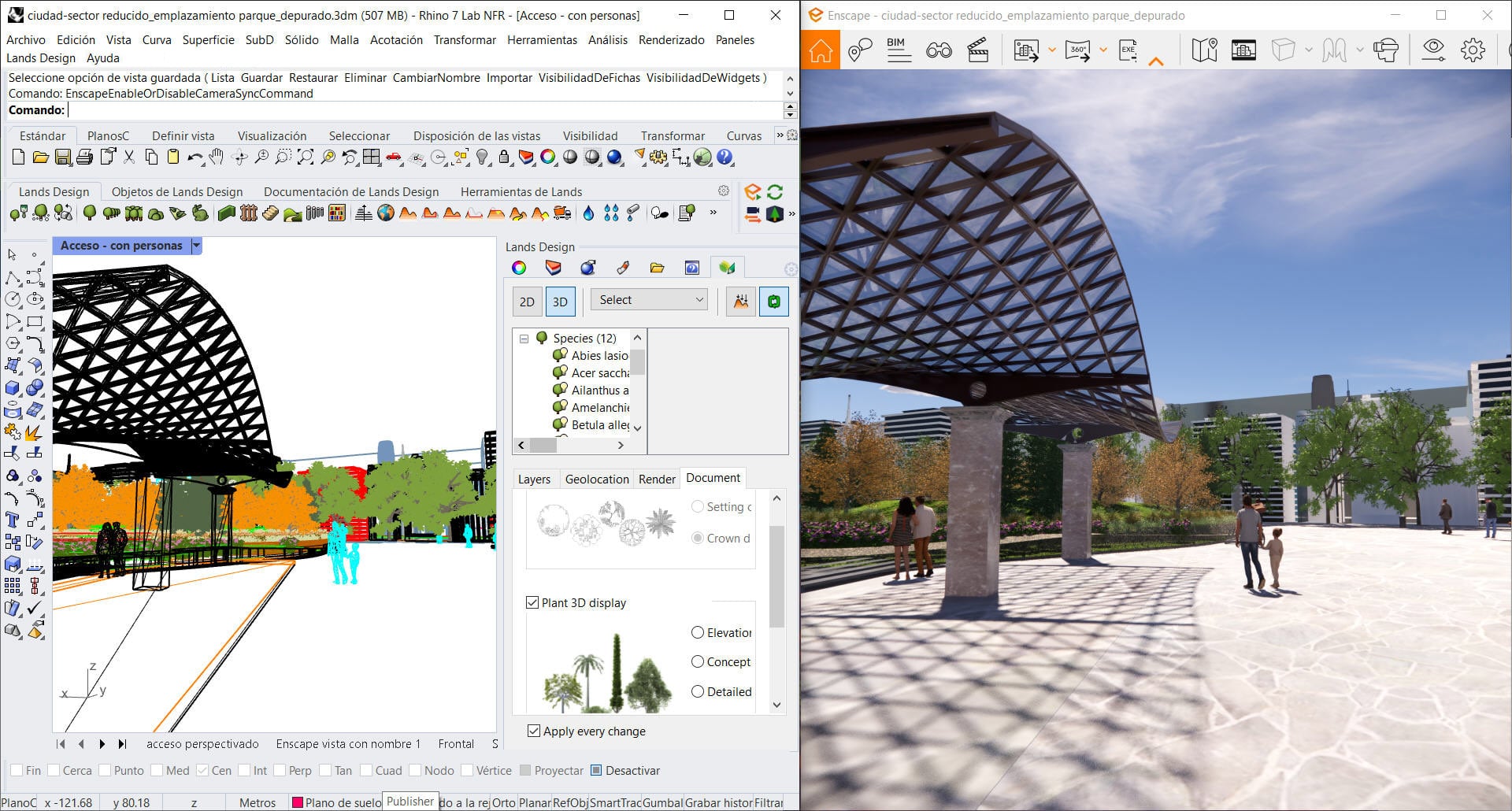
Rhino3D is a powerful modelling software known for its flexibility and ability to create almost any form imaginable. It is particularly popular in architecture schools and design-focused practices because it allows students to explore complex geometries and experimental designs that would be difficult to create in other software. Rhino is often paired with Grasshopper, a visual programming plugin that is advanced parametric design tool currently available. Rhino3D has a 90 day free trial on their website. Otherwise, they offer a discounted forever license to students at € 195 here.
Pros of Rhino3D
- Extremely flexible modelling tools
- Excellent for complex and organic geometry
- Widely used in architecture schools
- Works well with Grasshopper for parametric design
- Suitable for environmental and performance analysis
- Strong interoperability with other software
Cons of Rhino3D
- Steeper learning curve than SketchUp
- Producing technical drawings can be more difficult
- Less common as a primary office software
- Requires additional tools for BIM workflows
- Can be overwhelming for beginners
Blender
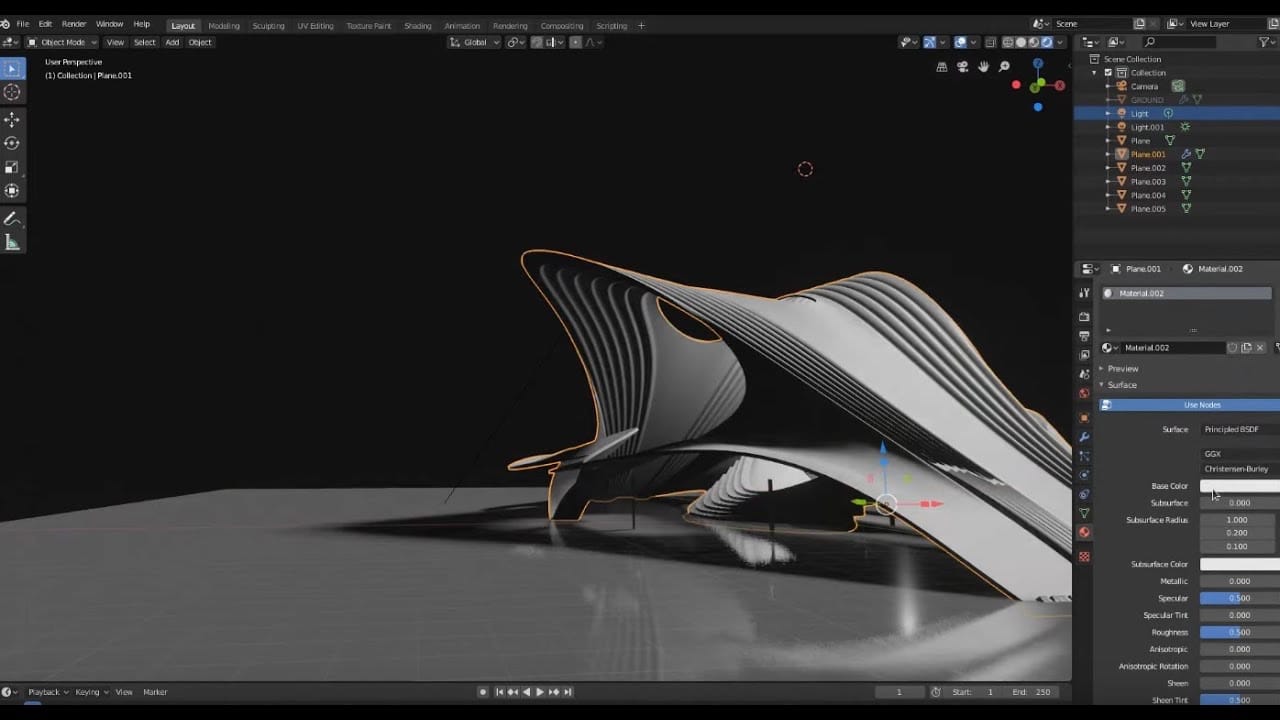
Originally developed for animation and visual effects, Blender has become increasingly popular within architecture thanks to its powerful modelling, rendering, and animation capabilities. As a free and open-source platform, it offers an impressive range of tools that rival many commercial programs. Blender is particularly well suited to students interested in visualisation, storytelling, and creating highly detailed presentations. You can download it for free on their website.
Pros of Blender
- Completely free and open source
- Powerful modelling and rendering tools
- Excellent for animation and visualisation
- Large online community
- Frequent updates and new features
- Great for organic and sculptural forms
Cons of Blender
- Steep learning curve
- Not designed for architectural documentation
- Limited BIM capabilities
- Workflow differs significantly from traditional architecture software
- Can feel overwhelming at first
3dsMax
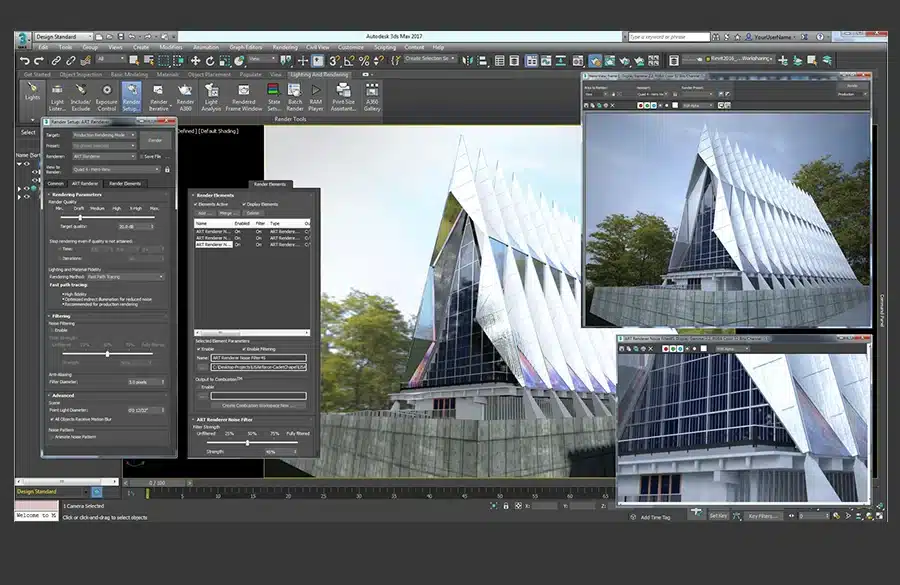
3ds Max has long been one of the leading software packages for architectural visualisation. It offers advanced modelling, animation, and rendering tools, making it popular among professionals who specialise in creating high-quality images and animations. While less common as a day-to-day design tool in architecture practices, it remains a respected choice within the visualisation industry. As with the other AutoDesk software, if you’re a student at a registered university can download it for free from their website.
Pros of 3dsMax
- Industry-leading visualisation tools
- Excellent rendering and animation capabilities
- Strong modelling tools
- Integrates well with V-Ray
- Widely used by professional visualisation studios
Cons of 3dsMax
- Steep learning curve
- Expensive compared to alternatives
- Not suitable for producing construction drawings
- Less common in architecture practices than Revit
- Requires a powerful workstation
Visualisers
Unreal Engine
Unreal Engine was originally developed for video games but is now widely used for architectural visualisation. It allows designers to create immersive real-time experiences, interactive walkthroughs, and high-quality animations that clients can explore. As virtual reality and interactive presentations become more common, Unreal Engine is becoming an increasingly valuable skill for students interested in visualisation. It is free for student and you can download it from their website.
Pros of Unreal Engine
- Real-time rendering and visualisation
- Creates immersive walkthroughs and VR experiences
- High-quality graphics
- Extensive asset libraries available
- Growing demand in architectural visualisation
- Excellent for animations and presentations
Cons of Unreal Engine
- Steep learning curve
- Not suitable for technical documentation
- Requires powerful hardware
- Longer setup time than traditional rendering software
- Still uncommon in many architecture offices
Enscape
Enscape is a real-time rendering plugin that integrates directly with software such as Revit, SketchUp, and Rhino. Its biggest advantage is speed: students can quickly generate attractive renders and walkthroughs without spending hours adjusting settings. This makes it an excellent choice for producing work-in-progress visuals and presentation images throughout the design process. There is a free 15 day trial available. For longer use, students can download it at a discounted rate of £9.50 a month from their educational page.
Pros of Enscape
- Very easy to learn
- Real-time rendering
- Integrates directly with Revit, SketchUp, and Rhino
- Fast workflow for design reviews
- Built-in asset and material libraries
- Ideal for work-in-progress visualisations
Cons of Enscape
- Less photorealistic than V-Ray
- Limited rendering controls
- Fewer advanced visualisation features
- Visual quality can feel generic without customisation
V-Ray
V-Ray is one of the most respected rendering engines in the architecture industry. Known for its realism and image quality, it allows designers to create highly detailed and photorealistic visualisations. While it requires more time to learn than real-time rendering tools, the results are often worth the extra effort, especially for final presentations and professional marketing images. There is a free 30 day trial available here, otherwise it’s £9.50 a month on their educational page.
Pros of V-Ray
- Industry-leading render quality
- Highly realistic lighting and materials
- Extensive control over render settings
- Used by many professional visualisation studios
- Compatible with multiple modelling software packages
Cons of V-Ray
- Steeper learning curve
- Long rendering times
- Requires powerful hardware
- More complex workflow than real-time renderers
- Can be time-consuming to master
Lumion
Lumion is a rendering and visualisation software designed specifically for architects and designers. It combines high-quality graphics with an easy-to-use interface, allowing users to create impressive renders, animations, and walkthroughs with relatively little technical knowledge. Its extensive library of materials, vegetation, and assets makes it particularly popular for quickly producing polished presentation visuals. Lumion is free for students at an accreditied university and can be downloaded on their student page.
Pros of Lumion
- Easy to learn and use
- High-quality renders and animations
- Large library of assets, vegetation, and materials
- Fast workflow for presentations
- Popular in many architecture practices
- Excellent for landscape visualisation
Cons of Lumion
- Requires powerful hardware
- Less realistic than a well-configured V-Ray workflow
- Expensive licensing costs
- Limited control compared to advanced rendering engines
- Relies heavily on premade assets, which can make projects look similar
So, Which Architecture Software Should You Learn?
The truth is that there isn’t one perfect architecture software. The best choice depends on what type of architect you want to become.
If your goal is to work in a traditional architecture practice, start with Revit and AutoCAD. These are the programs most employers expect graduates to know, and they form the backbone of most construction documentation workflows.
If you’re interested in concept design and quick visualisation, SketchUp is one of the fastest tools to learn. It’s ideal for creating massing studies and testing ideas without getting lost in technical details.
If you’re passionate about computational design, complex geometry, or experimental architecture, Rhino3D and Grasshopper are excellent choices. Many leading design-focused practices use them to create forms that would be difficult or impossible to model elsewhere.
If rendering and visual storytelling excite you, focus on Enscape, Lumion, V-Ray, or Unreal Engine. These tools can transform a simple model into a compelling presentation that helps communicate your ideas.
For students interested in animation, visual effects, and cutting-edge workflows, Blender is becoming increasingly popular thanks to its powerful features and free price tag.
My Recommended Learning Path
For most architecture students, a sensible progression would be:
- Learn SketchUp and AutoCAD to produce your initial concept designs.
- Move onto Revit if your design is modular or Rhino3D if it’s organic.
- Add a rendering tool such as Enscape if you prefer more simpler visualisations or V-ray for photorealistic.
- Learn Unreal Engine, Blender, or 3ds Max if you want to specialise in visualisation and animation.
Remember that software is just a tool. Employers hire architects for their design thinking, communication skills, and technical understanding, not because they know every program available.
Thanks for reading!
If you found this useful, check out our other student articles.
If you have any questions about the software, let me know down below.